In today’s digital landscape, visual communication plays a major role in how organizations share their message and amplify their impact. For community-driven groups like Junior Chamber International Philippines(JCIP), strong and consistent design is more than just aesthetics. It helps define campaigns, tell stories, and move people into action.
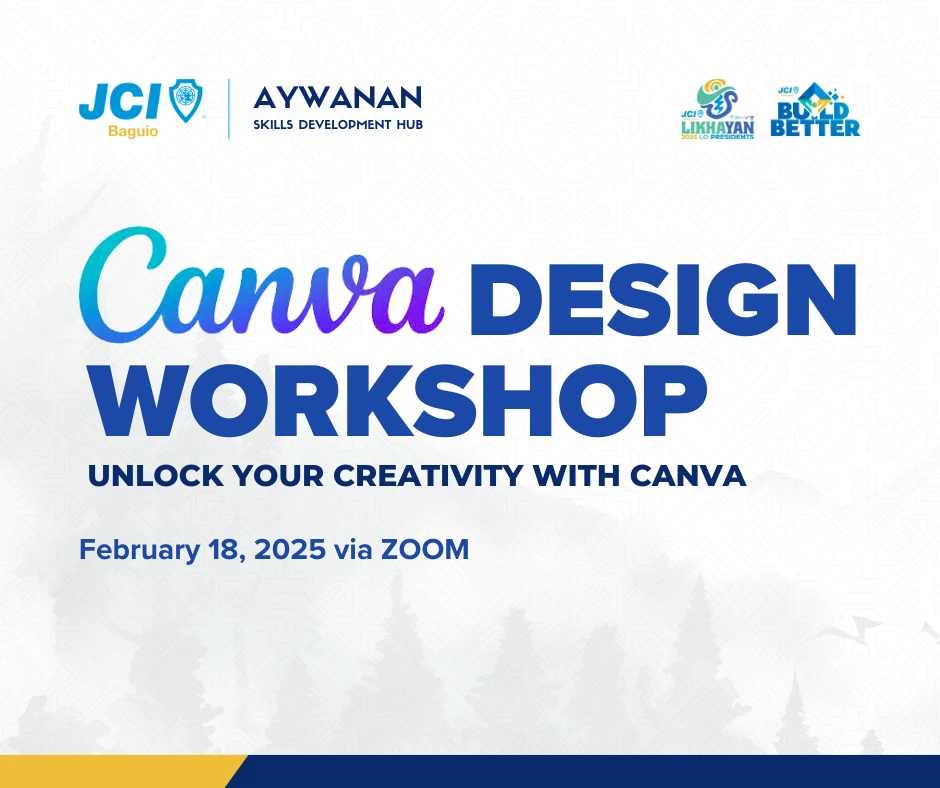
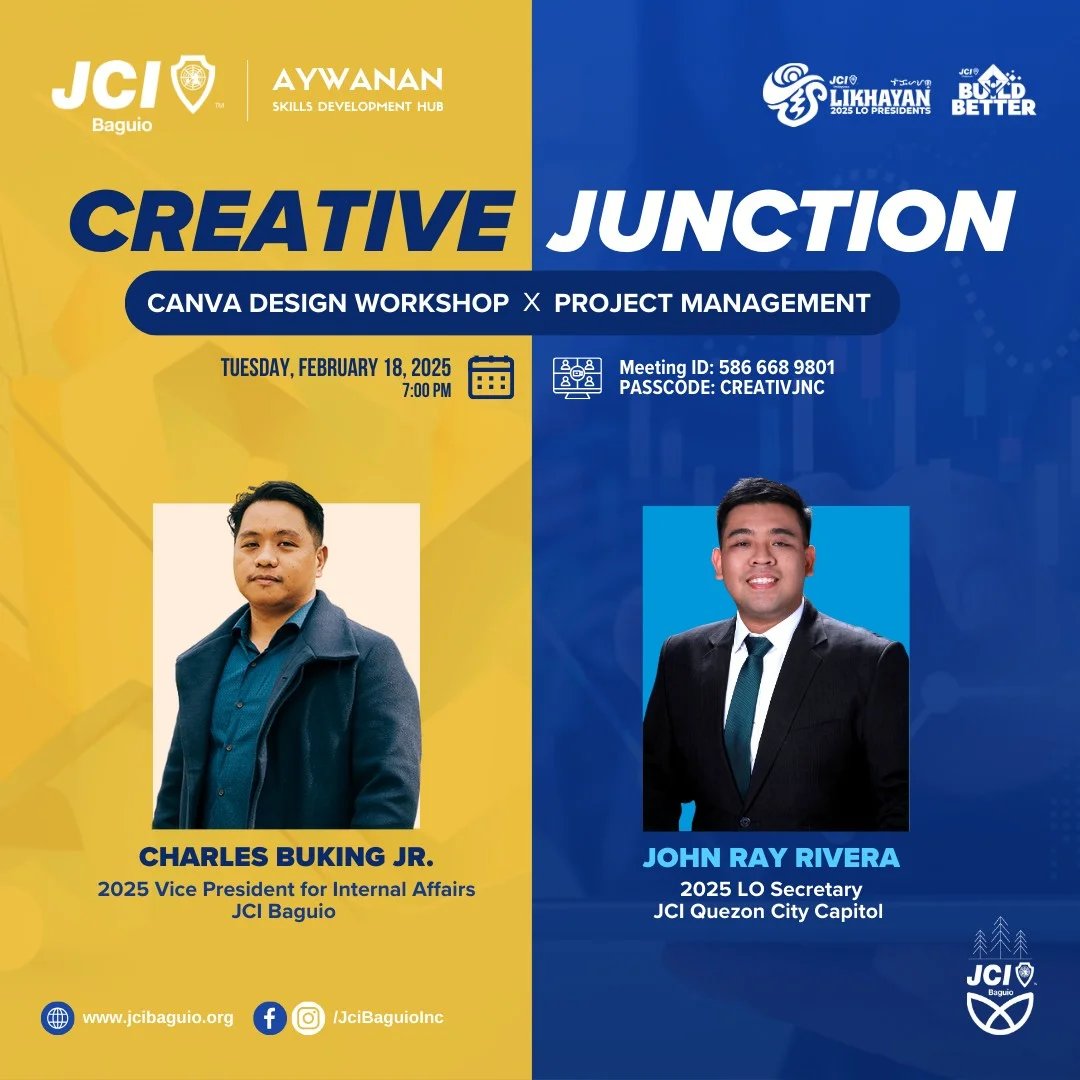
Recognizing this need, JCI Baguio launched CREATIVE JUNCTION: A Canva Design Workshop & Project Management Session, a comprehensive online training designed to strengthen the creative capacity of its members.
I had the privilege of serving as one of the trainers for this workshop, where I facilitated the Canva Design session. The goal was simple yet important: equip JCIP members with foundational skills that allow them to confidently create polished, professional-quality content using Canva. From basic navigation to maximizing smart design tools, the session covered everything participants needed to enhance their creative output – whether for chapter events, community projects, presentations, or social media content.
This article revisits the workshop, outlining the key lessons, insights, and takeaways from the session.
Understanding Canva: A Versatile Tool for Modern Creatives
We began the session by discussing why Canva has become one of the most widely used design platforms across JCIP chapters worldwide. Canva’s strength lies in its accessibility – it requires no background in graphic design and runs smoothly even on low-spec devices.
For JCIP members who are often juggling multiple responsibilities, Canva works as a practical design companion. It allows non-designers to produce high-quality visuals for social media announcements, chapter newsletters, project proposals, event posters, certificates, and even pitch decks.
During the workshop, we framed Canva as more than just an online design app. It is:
- A collaboration tool for teams working together on projects.
- A branding platform for consistent, unified chapter design.
- A productivity tool that simplifies the creation and publishing process.
Participants agreed that Canva has become a critical part of chapter operations, especially for communications and public relations committees.
Exploring the Canva Dashboard
Before diving into actual design work, we walked through the Canva dashboard – the central hub where all creative tasks begin. Many participants were familiar with the interface, but the deep dive helped them discover features they had overlooked.
Key parts of the dashboard we discussed included:
Home Tab
Where users can access:
- Recently opened designs
- Recommended templates
- Shared folders
- Brand kits and team settings
Projects
This is where all saved designs, uploads, and brand assets are organized. Understanding how to categorize and store files helps streamline chapter workflows, especially when multiple officers contribute to content creation.
Templates Library
Participants learned how to find chapter-relevant templates quickly, such as:
- Social media posts
- Event posters
- Certificates
- Presentations
- Announcement templates
Toolbar Navigation
We reviewed how the top and side toolbars change depending on the selected element – something that basic users may not have fully mastered. This foundation was essential for the more advanced features we tackled later.
By spending time on dashboard navigation, we ensured that everyone had a solid grounding before exploring deeper creative tools.
Mastering Canva’s Basic Tools and Essentials
The core of the session focused on the basic tools that are essential for creating any design in Canva. These tools make up the daily workflow of anyone creating content for JCIP, and mastering them is the difference between producing quick edits and crafting polished materials.
1. Templates
Templates are the best starting point for beginners. These are pre-designed layouts that can be easily customized. I emphasized how to choose templates that match JCIP’s tone, project goals, and branding style.
Participants learned:
- How to swap layouts
- How to replace placeholder text and images
- How to use templates as branding references
- How to avoid overusing trendy layouts that dilute chapter identity
We also discussed the importance of maintaining visual consistency across multiple materials, especially for major projects or campaigns.
2. Elements
Elements form the building blocks of Canva designs – shapes, lines, icons, stickers, charts, and grids.
The training highlighted:
- How to use lines and shapes to guide visual focus
- How icons can simplify information
- How grids help structure photos
- How to properly layer elements
Participants were encouraged to experiment with spacing, hierarchy, and alignment to achieve clean and modern layouts.
3. Text and Fonts
Typography is one of the most overlooked yet powerful aspects of design.
In this segment, we discussed:
- Font pairing
- Readability guidelines
- Hierarchy between headline, subheadline, and body text
- Line spacing and paragraph spacing
- Using JCIP-aligned fonts for consistency
Participants were shown how to transform plain text into visually engaging, structured content.
4. Canva’s Dream Lab Tools
One of the highlights of the workshop was exploring Canva’s AI-powered features, now accessible under its Dream Lab tools.
These include:
- Text-to-image generation
- AI-enhanced editing tools
- Smart suggestions for layouts and color palettes
- Magic Write for drafting captions or presentation copy
Participants were excited to explore how these AI features can speed up their content creation, especially for social media campaigns.
5. Magic Media
Magic Media is Canva’s upgraded media editing section, packed with powerful tools such as:
- Background remover
- Auto-enhance
- Magic expand
- Magic animate
We demonstrated how these tools can quickly turn raw images into polished post-ready graphics in minutes.
6. Brand Kit and Templates
The Brand Kit was one of the most valuable topics. Many chapter designers struggle with consistent branding, especially when there are multiple volunteers creating content.
We walked through how to set up:
- Brand colors
- Brand fonts
- Standard logos
- Pre-designed template sets
Once configured, the Brand Kit ensures all designs – from posters to certificates follow the chapter’s visual identity.
7. Sharing, Collaborating, and Downloading
Since Canva is widely used by teams, we closed the tool discussion with workflow essentials:
- How to share designs with editing or viewing permissions
- How to leave comments for collaboration
- Download settings for print and digital
- Best file formats for posters, presentations, and certificates
- How to publish directly to social media platforms
Participants found this segment especially helpful since many chapters work remotely and rely heavily on shared designs for project promotion.
The Workshop Experience: Designed for Beginners and Intermediates
Our audience consisted of JCIP members with basic to intermediate Canva skills. This diversity allowed us to shape the session into something accessible, practical, and immediately usable.
The main objective was clear:
Equip participants with the fundamental skills needed to effectively use Canva for designing professional-quality graphics, presentations, and social media content.
The session was intentionally paced to ensure beginners could follow along, while intermediate users still gained advanced tips and techniques. Participants appreciated the hands-on demonstrations and the step-by-step walkthroughs that made the tools easier to understand.
Key Takeaways for JCIP Members
By the end of the workshop, participants walked away with:
- A deeper understanding of Canva’s interface
- Enhanced confidence in using design tools
- Practical techniques for creating professional layouts
- Knowledge of AI features that streamline design workflows
- Better appreciation for brand consistency
- Skills that can be applied to chapter events, PR materials, project campaigns, and external partnerships
More importantly, they gained a design mindset – the ability to think visually, communicate clearly, and produce content that supports JCIP’s mission of creating positive change.
Final Thoughts
The CREATIVE JUNCTION workshop demonstrated how empowering individuals with the right creative tools can elevate an entire organization’s communication strategy. Through Canva, JCIP members now have the ability to craft visuals that are compelling, consistent, and aligned with the spirit of service and innovation.
As the trainer for this Canva session, I am proud to have contributed to strengthening the creative capabilities of JCIP members. With the skills they learned, they are better equipped to produce impactful materials that support their projects, tell their stories, and inspire communities.